Resume Builder
Resume Builder, Behind the Scenes
See how prepVo helps you build a stronger job application.
A good resume needs to do more than look polished. It needs to present your experience clearly, match the job you are applying for, and work well with the way resumes are reviewed.
See how prepVo helps you tailor your resume and cover letter for a specific job, understand what resume-screening software may pick up, compare your original and tailored wording, and choose a resume layout that fits your style. Every example on this page uses a fictional candidate.
Resume ScannerBefore and AfterResume LayoutsCover LetterOpen the Resume Builder
Also included
Resume and Cover Letter (Behind the Scenes)
Your resume and cover letter are tailored for the job and country you choose, using only the information you provide.
prepVo helps reshape your existing experience around the opportunity you are targeting, without inventing achievements, qualifications, or experience.
Use your original facts. Review every line. Send only what you are happy with.
How Resume Screening Software Reads Your Resume
Many employers use resume-screening software to extract and organize information such as job titles, dates, skills, and other resume details before or alongside human review. See what can be picked up from a resume and compare the original with what the software can read. Drag the band left or right to explore the difference.
- Reading layout
- Finding job titles
- Dates
- Skills
- Match
Reading layout
- Contact details Waiting
- Job titles Waiting
- Dates Waiting
- Education Waiting
- Skills Waiting
0%
of the words in the sample job post found in this resumeA demo animation, not a real scan and not a prediction of results. Missing skills are shown as gaps, never filled with made-up ones.
Before and After
Choose a role and drag the band across the section to compare what you wrote with the tailored version. Every new line is traceable to your original information. Tap “Source” to see where it came from.
Before: what you wrote
After: tailored to the job post
Resume Layouts
The builder has 15 design options: the seven layouts shown here, plus eight more one-column styles (Classic serif, Compact, Airy, Teal, Burgundy, Slate centered, Forest and Orange accent). Simple is the cleanest and most screening-friendly; every other layout also comes with the Simple version, because columns, bands and graphics may not be read the same way by every employer's screening software. The previews use a fictional example so you can see how each layout looks.
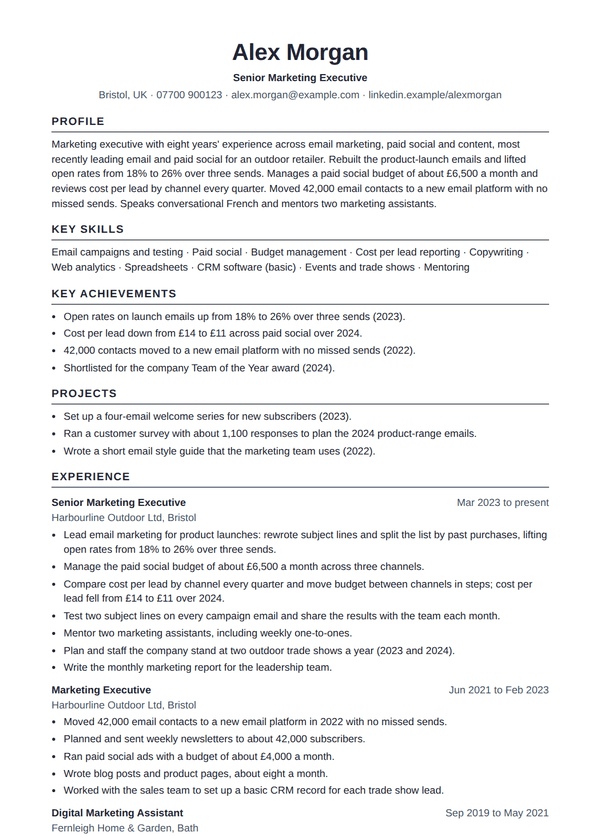
Simple
One plain column. The simplest choice for screening software.
- Standard section headings
- Real, selectable text
- Screening-friendly
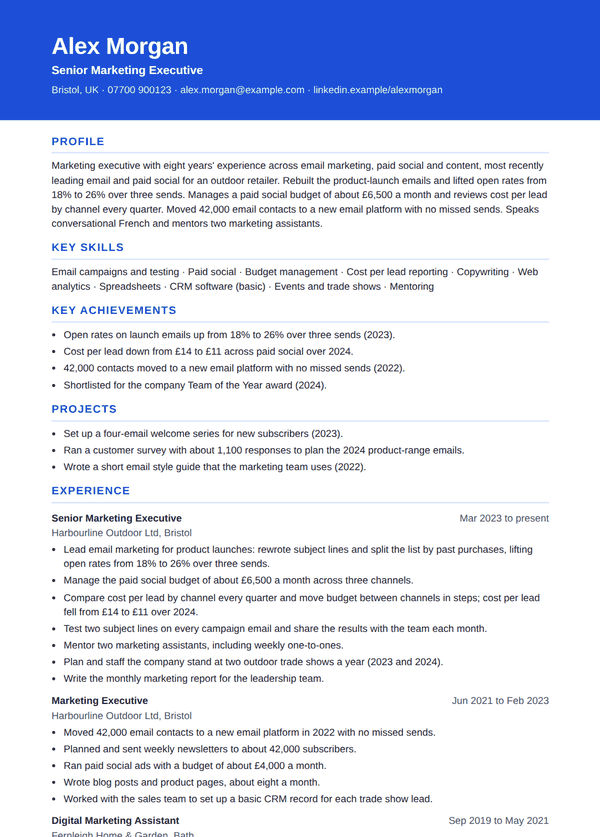
Modern
A color band across the top of page 1.
- Standard section headings
- Real, selectable text
- Includes the Simple version too
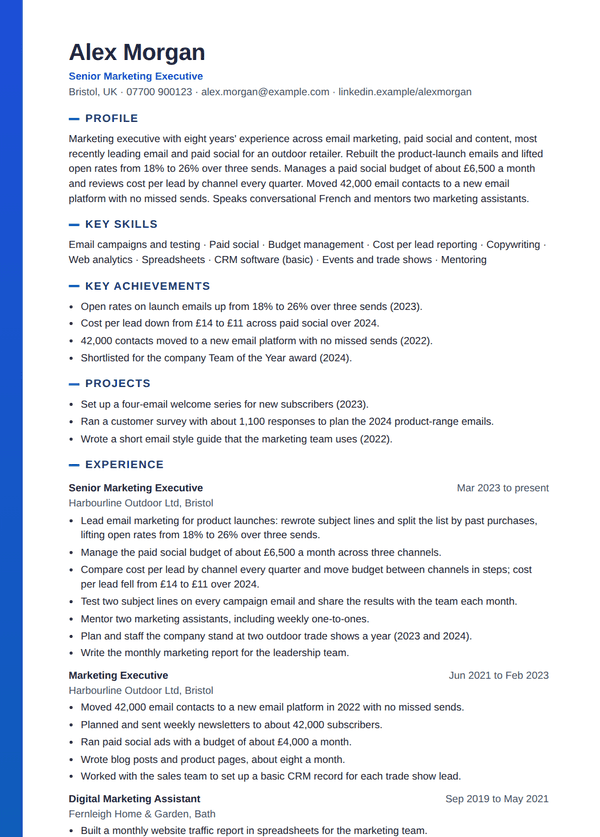
Side band
A colored strip down the left edge.
- Standard section headings
- Real, selectable text
- Includes the Simple version too
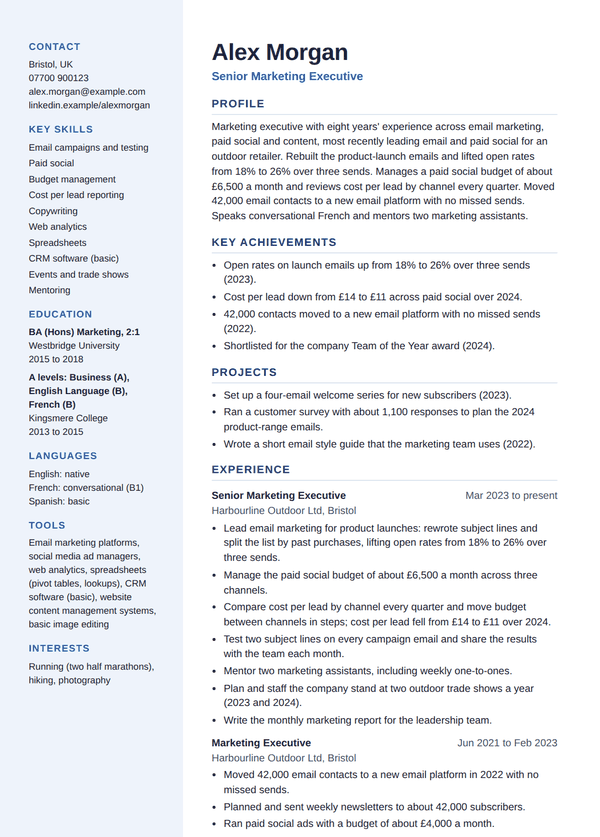
Two-column
A sidebar for contact details, skills and education.
- Two columns
- Real, selectable text
- Includes the Simple version too
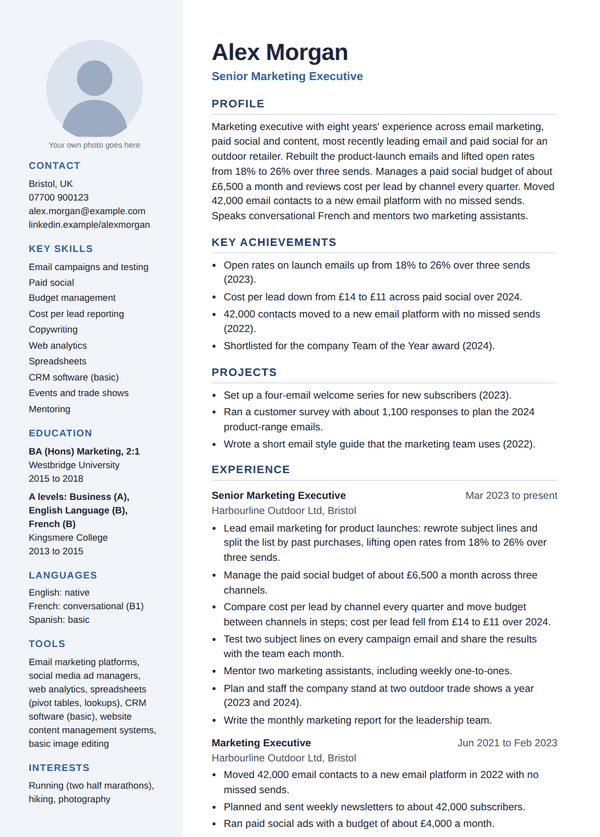
With photo
Two columns with space for your own photo.
- Space for your photo
- Two columns
- Includes the Simple version too
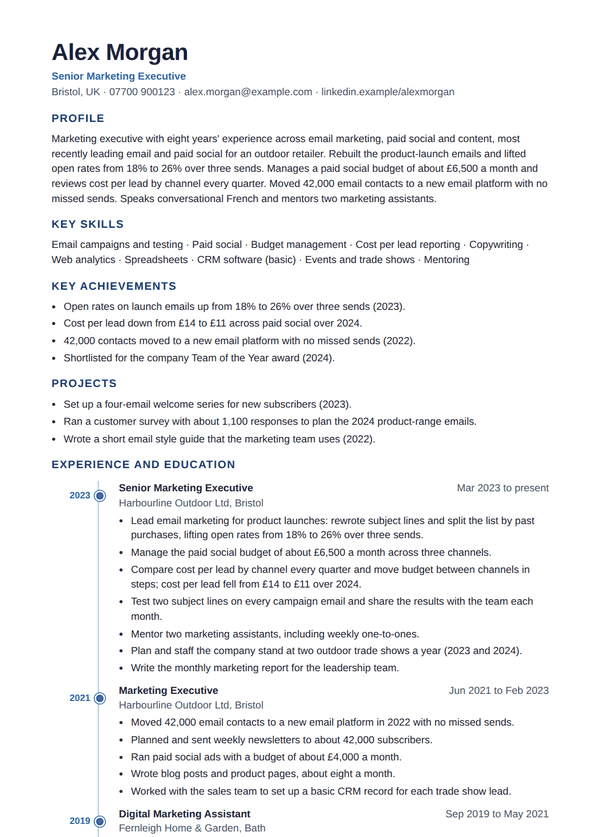
Timeline
Jobs and education on a dated line.
- Dated timeline
- Real, selectable text
- Includes the Simple version too
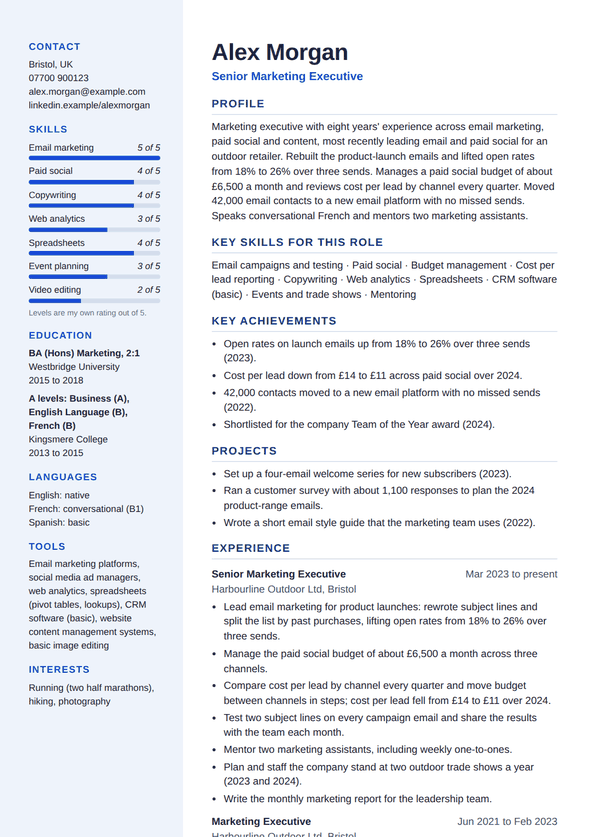
Skill bars
Bars show only the levels you rated yourself.
- Skill levels you gave
- Two columns
- Includes the Simple version too
Cover Letter
Every paid plan and Resume Pack also writes a cover letter for the same job post, using only the facts in your resume. This one is a fictional example for a fictional candidate, so you can see what you get.
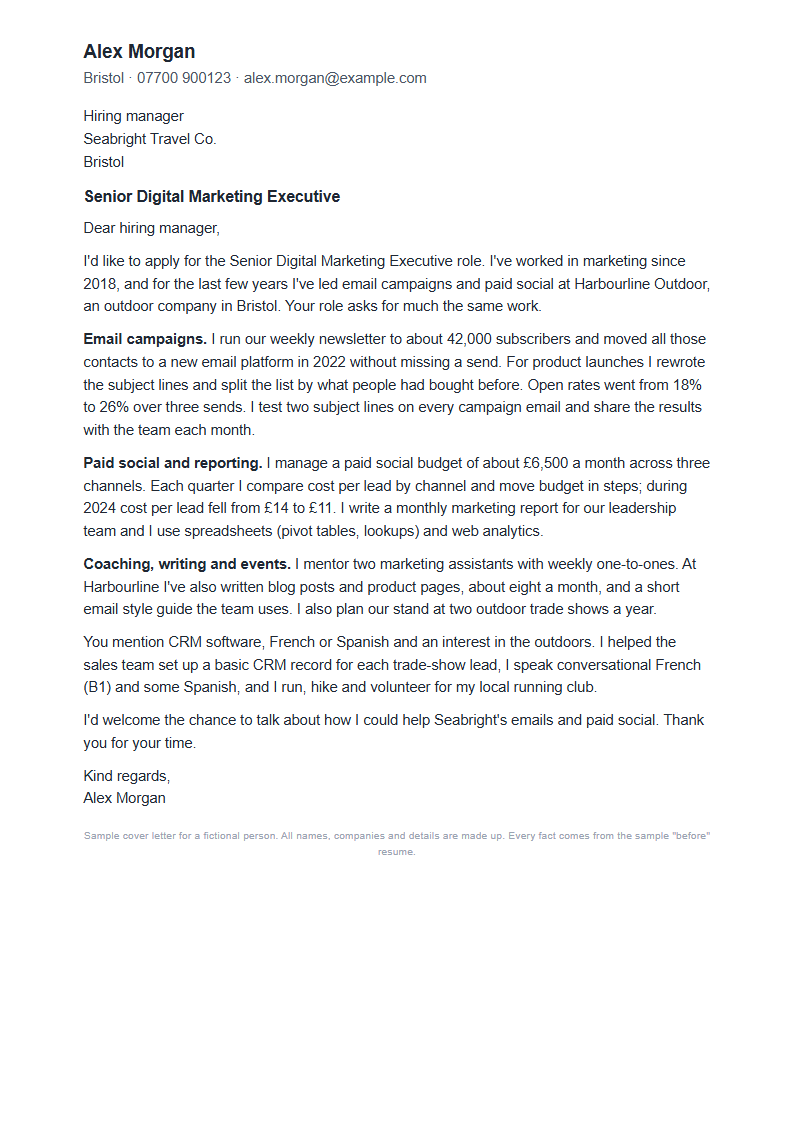
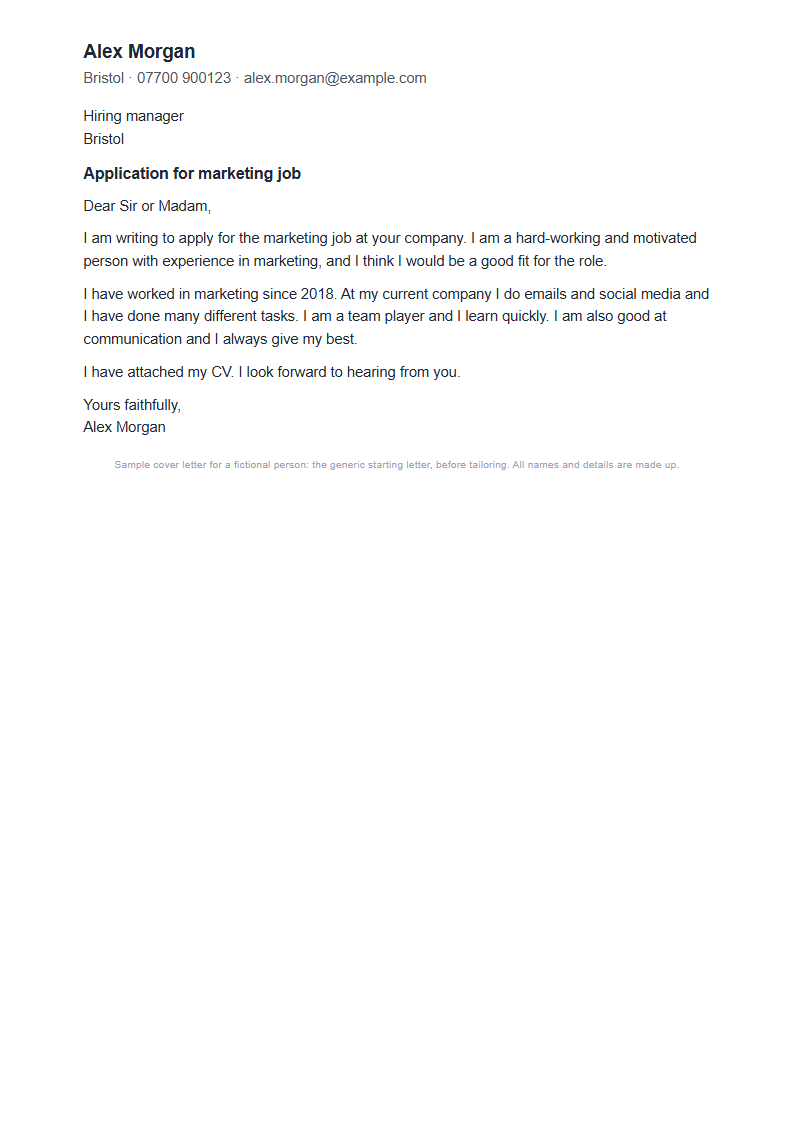
Drag the band left or right to compare the generic letter with the tailored one. Every fact in the tailored letter comes from the sample resume.
View the letter before View the letter after See all samples